Elegoo's $299 Centauri 2 delivers CoreXY performance, a dual-sided bed, and solid print quality out of the box. Here's why it's the best budget printer right now.
The $299 Question
When I heard Elegoo was selling a CoreXY printer for $299, I assumed the specs sheet would be full of compromises. The Centauri 2 proved me wrong within the first hour of printing.
This machine prints as well as CoreXY machines costing twice the price. The build quality is solid, the touchscreen is responsive, and the dual-sided build plate is a genuinely useful touch. Yes, there are tradeoffs. No, they do not ruin the experience.
What You Get for $299
The Centauri 2 ships with a 256 x 256 x 256 mm build volume, a dual-gear direct-drive extruder, and a top print speed of 500 mm/s. The nozzle reaches 350 C and the heated bed tops out at 110 C. Connectivity covers USB and Wi-Fi. The whole machine weighs 13.7 kg and measures 398 x 404 x 490 mm.
Those numbers match much more expensive printers. What sets the Centauri 2 apart is how it performs straight out of the box. No tuning, no firmware tweaking, no community-sourced profiles required. Load the filament, pick your material on the touchscreen, and start printing.
The Dual-Sided Bed Is the Detail Nobody Expected
Most budget printers ship with a single textured PEI build plate. The Centauri 2 ships with two. One side is the standard textured PEI plate for strong adhesion on larger parts. The other side is a smooth spring-steel plate that releases delicate prints without effort.
ElegooSlicer detects which side you are using and adjusts the first-layer settings accordingly. You do not need to manually swap profiles or remember to change the bed temperature. Flip the plate, answer one prompt on the screen, and you are printing on the opposite surface.
That is a feature I have tested on printers costing three times as much. Finding it here at this price felt unfair to those other machines.
Print Quality
Every print I ran on the Centauri 2 came off the bed in excellent shape. Thin, fragile models held together. Complex geometry with heavy support material printed without issue. Layer lines were consistent across the entire bed.
The CoreXY frame is doing the heavy lifting here. Because the print head moves independently in X and Y, the gantry stays stable during fast directional changes. You see the benefit as cleaner corners and fewer vibrations at speed. The vibration-dampening feet Elegoo included from the factory also keep vertical fine artifacts to a minimum.
The Honest Tradeoffs
A $299 printer is not perfect. The Centauri 2 is louder than premium CoreXY machines. The motors, belts, and power supply all make more noise during operation. If your printer lives in a bedroom or a shared apartment, that matters. If it lives in a garage or workshop, you will not think about it twice.
There is no built-in camera. Elegoo made the deliberate call to leave it out to hold the price, and I think that was the right call. A camera on a budget printer usually delivers a blurry 480p stream you will never check anyway. I would rather have the money go toward the extruder and build plate.
The filament run-out sensor sits at the end of the Bowden tube rather than at the print head. That means more wasted filament when a spool runs out mid-print. It is a small annoyance, not a dealbreaker.
Centauri 2 vs. The Rest of the $300 Market
The closest competitor to the Centauri 2 at this price is the Bambu Lab A1. Both cost $299. Both target first-time buyers who want excellent quality without setup headaches. The difference is architecture. The A1 is a bed-slinger. The Centauri 2 is a CoreXY.
A CoreXY moves the print head on a gantry while the bed moves only up and down. That design is inherently more stable at higher speeds. The Centauri 2 feels faster in practice because it is. Travel moves are snappy. Direction changes are clean. Long bridges come out straighter.
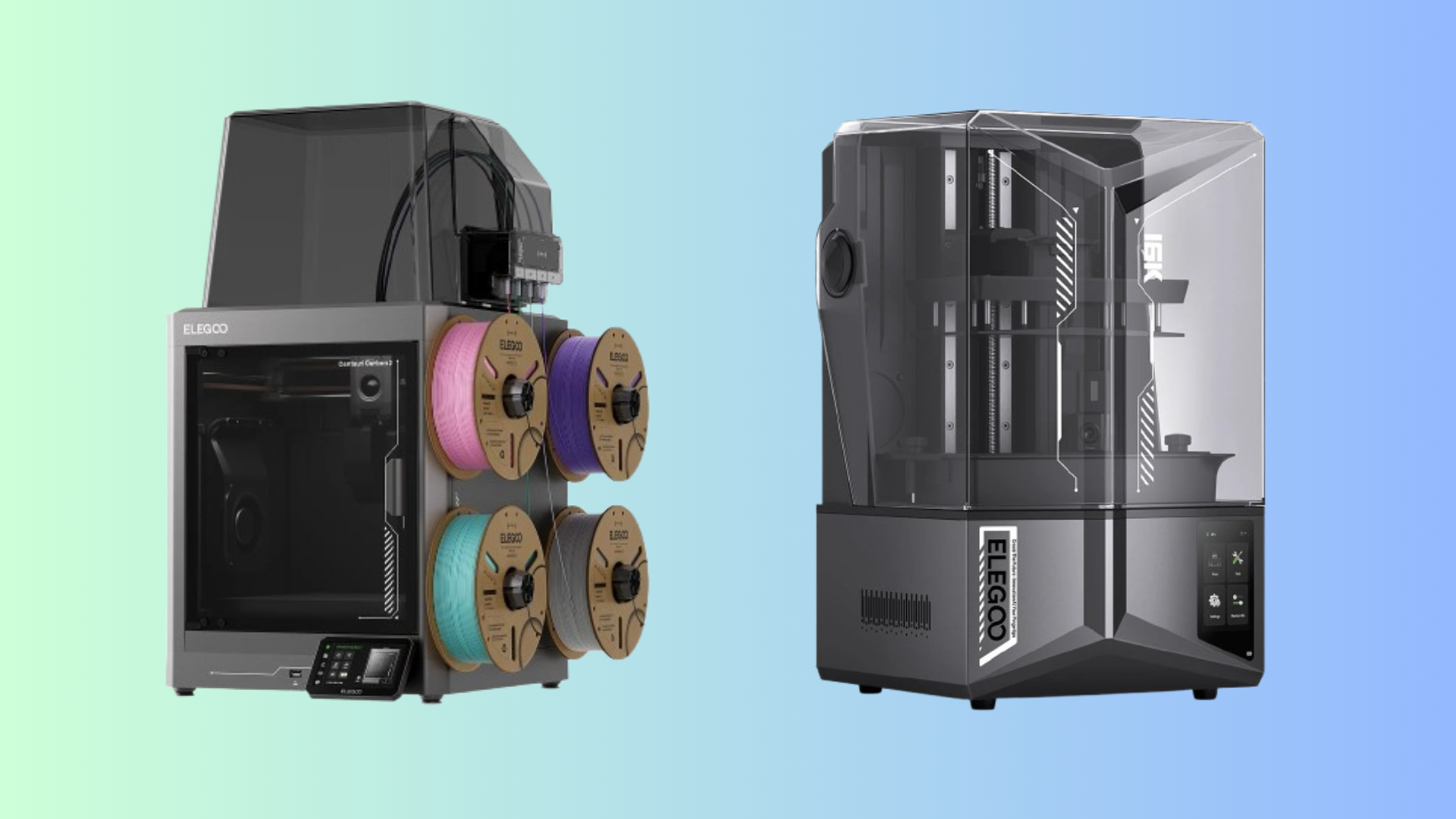
The Combo version at $379 adds the four-filament CANVAS system and pushes into Flashforge AD5X territory. If you need multi-color printing on a budget, that is the package to buy. If you just need a single-color workhorse, the base Centauri 2 is the better value.
Should You Buy It?
If you have $300 and need a 3D printer, buy the Elegoo Centauri 2. It is the best option in that price range right now. The print quality matches more expensive machines. The setup is straightforward. The dual-sided bed is a feature that sounds minor until you have used it, at which point you will wonder why every printer does not work this way.
Put up with the noise. Skip the camera. Get the Centauri 2.
Comments (0)
No comments yet. Be the first!
Leave a Comment