The Centauri Carbon 2 pairs multicolor printing with a closed frame and a 350C nozzle, but buggy software undermines the experience.
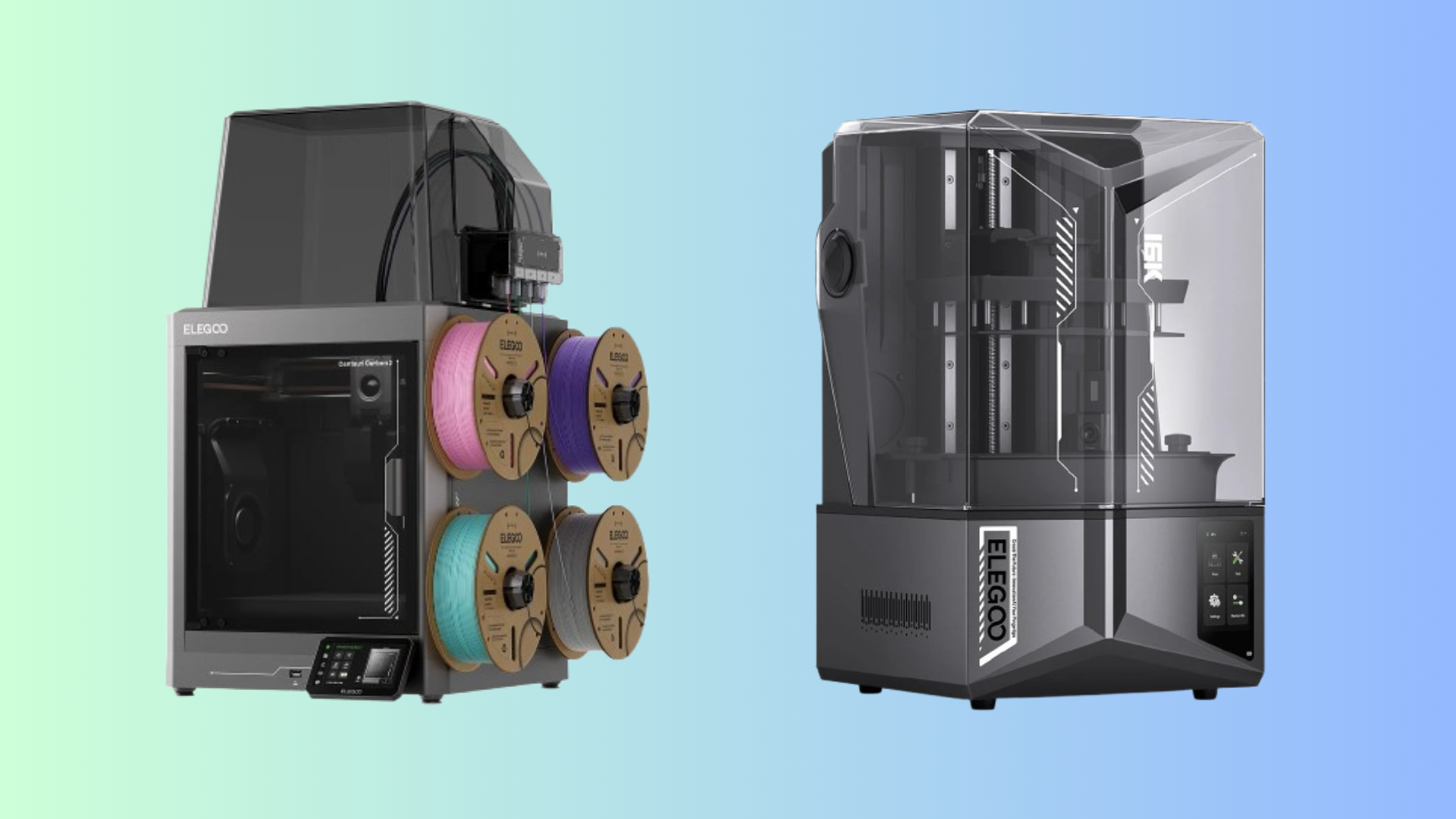
Elegoo's Centauri Carbon 2 arrives as the company's most refined multicolor consumer printer yet. The hardware checks nearly every box a maker could want: a closed build chamber, a 350C hotend, a five-inch touchscreen, and a CANVAS multicolor module. The software, though, keeps getting in the way.
What You Get
The Centauri Carbon 2 uses a 256x256x256 mm build volume inside a fully enclosed frame. That enclosure is the biggest departure from Elegoo's open-bed Neptune designs. It brings two practical benefits: quieter operation and more stable temperatures when printing ABS, ASA, and other engineering materials. The printer runs at around 45 dB in Balanced mode, which is quiet enough for a home office.
The hotend now reaches 350C, up from 320C on the first-generation Centauri Carbon. That higher ceiling helps with faster layer adhesion and materials that demand more heat. A clog detection sensor makes its debut here too, halting the print before a blocked nozzle ruins hours of work. The 121-point automatic bed levelling system runs in minutes and eliminates the manual Z-offset dance that still plagues some competing machines.
Multicolor Printing Done Right
The CANVAS multicolor module lives on the right side of the printer. It holds up to four filament spools and uses RFID tags to identify supported materials automatically. During testing, colour switches happened cleanly. The module purged the previous filament before moving to the next colour, and the final results matched the intended design without obvious seam artifacts.
The EMOJI collaboration edition adds a dual-sided build plate. One side is a standard textured PEI surface. The other prints an emoji pattern into the bottom of your part, which is exactly the kind of harmless fun that makes a $489 printer feel more personal.
Where It Struggles
The CGMagazine review unit scored a 7 out of 10, and the two points lost come from the same place: software. The ELEGOO Slicer application works in theory, but menus bury common settings behind unnecessary clicks. Sending a sliced file to the printer sometimes fails for no clear reason, and remote monitoring through the app drops connection frequently.
The network issue is the more frustrating of the two. If the printer sits idle for a few days, it loses its Wi-Fi connection. Restoring it requires walking through the setup process again. IP reservation and band steering can mitigate the problem, but those are solutions buyers should not need to research before their first print. The original Centauri Carbon had the same flaw, and it persists here.
Print quality itself is solid. At Balanced speeds, parts came out consistent across PLA, PETG, and ABS. Ludicrous mode, which pushes the machine hardest, produces visible layer artifacts and shakes the frame enough to worry about long-term reliability. Stick with Balanced and the results are dependable.
Should You Buy It
The Centauri Carbon 2 is a good printer held back by an unfinished software experience. The enclosed design, 350C hotend, multicolor module, and automatic levelling are all genuinely useful upgrades. If Elegoo patches the slicer and fixes the network stack, this machine would rank among the best options under $500 for makers who want multicolor capability without stepping up to a $1,000 Bambu Lab system.
For now, it remains a compelling choice for users comfortable troubleshooting connectivity issues. Buyers who want a printer that just works out of the box should wait for a firmware update or look at the Creality SPARKX series instead.
Comments (0)
No comments yet. Be the first!
Leave a Comment